![Modulr_Logo_Black_LightOrange-1.png]](https://knowledge.modulrfinance.com/hs-fs/hubfs/Modulr_Logo_Black_LightOrange-1.png?height=40&name=Modulr_Logo_Black_LightOrange-1.png)
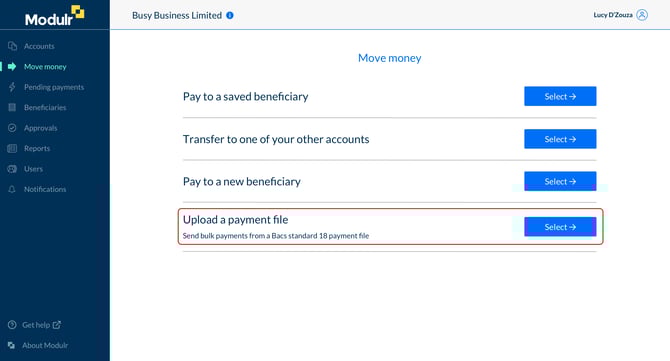
About payment file upload
Depending on your setup, you can use the Modulr portal to upload a Bacs 18 Standard payment file containing multiple payments to send from your Modulr accounts. Uploading a payment file requires an Authy authentication.
File upload conditions:
- Only files conforming to Bacs 18 Standards can be uploaded.
- Files must be a maximum size of 150kb.
- Only transaction type 99 is allowed.
- Only transactions in GBP (BACS code 00) are allowed.
- All payments in the file must have a Payment Reference.
- The file can contain a maximum of 10,000 payments.
- The user uploading the file needs to have payments permissions for all source accounts in the file.
- All source accounts in the file have to be Modulr accounts belonging to the Customer the user uploading them belongs to.
- The processing date of the file must be today or in the future.
Users of Sage Salary and Supplier Payment portal don't see the File Upload feature.
